
Less phone noise.
More room for salah.
Sukoon is a free Android launcher with app limits, prayer tools, and a simpler home screen.
Get SukoonEvery feature is free. No subscription.
See how it works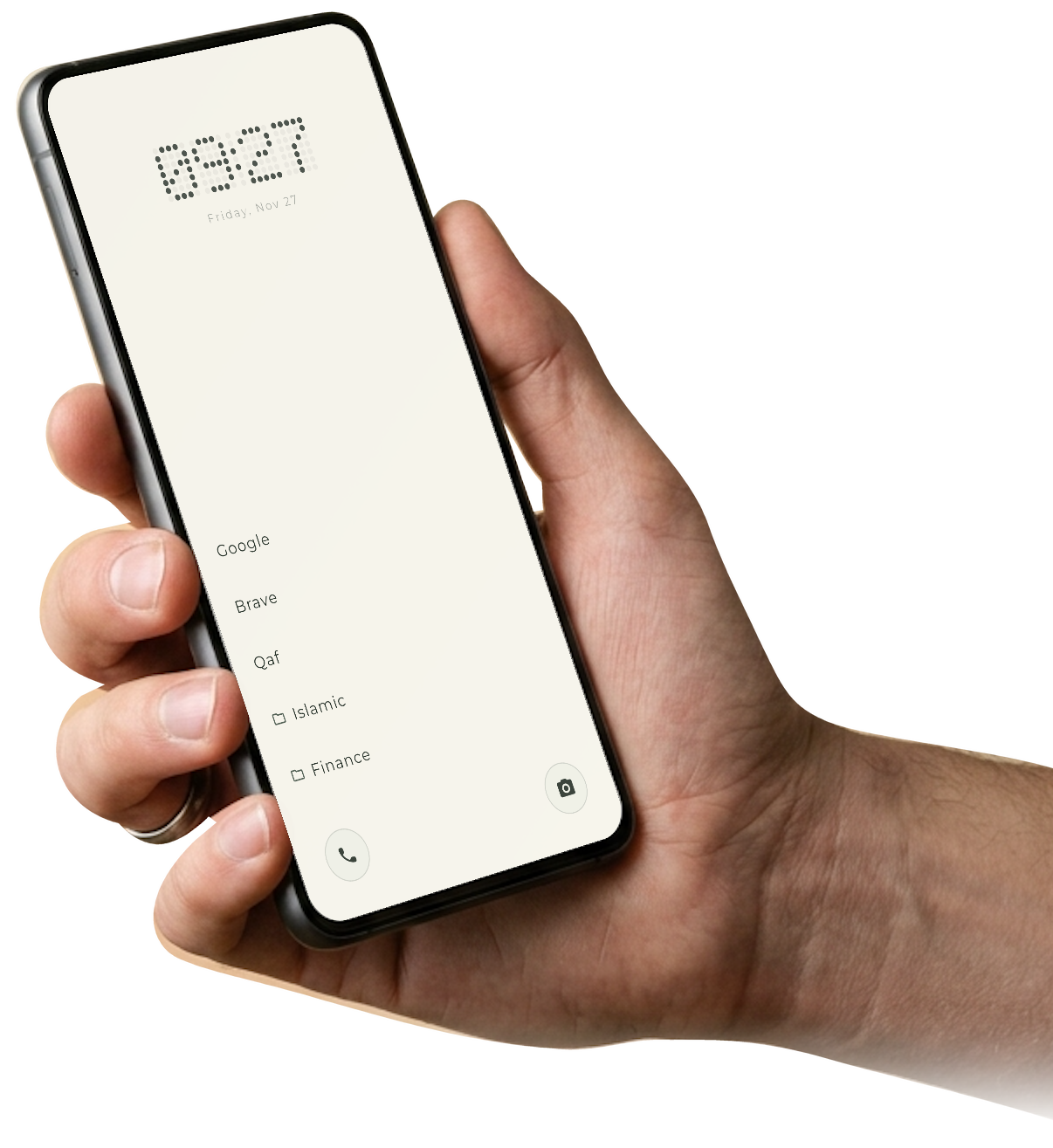
A home screen with less clutter.
Choose a theme and switch between your home screen and app list.
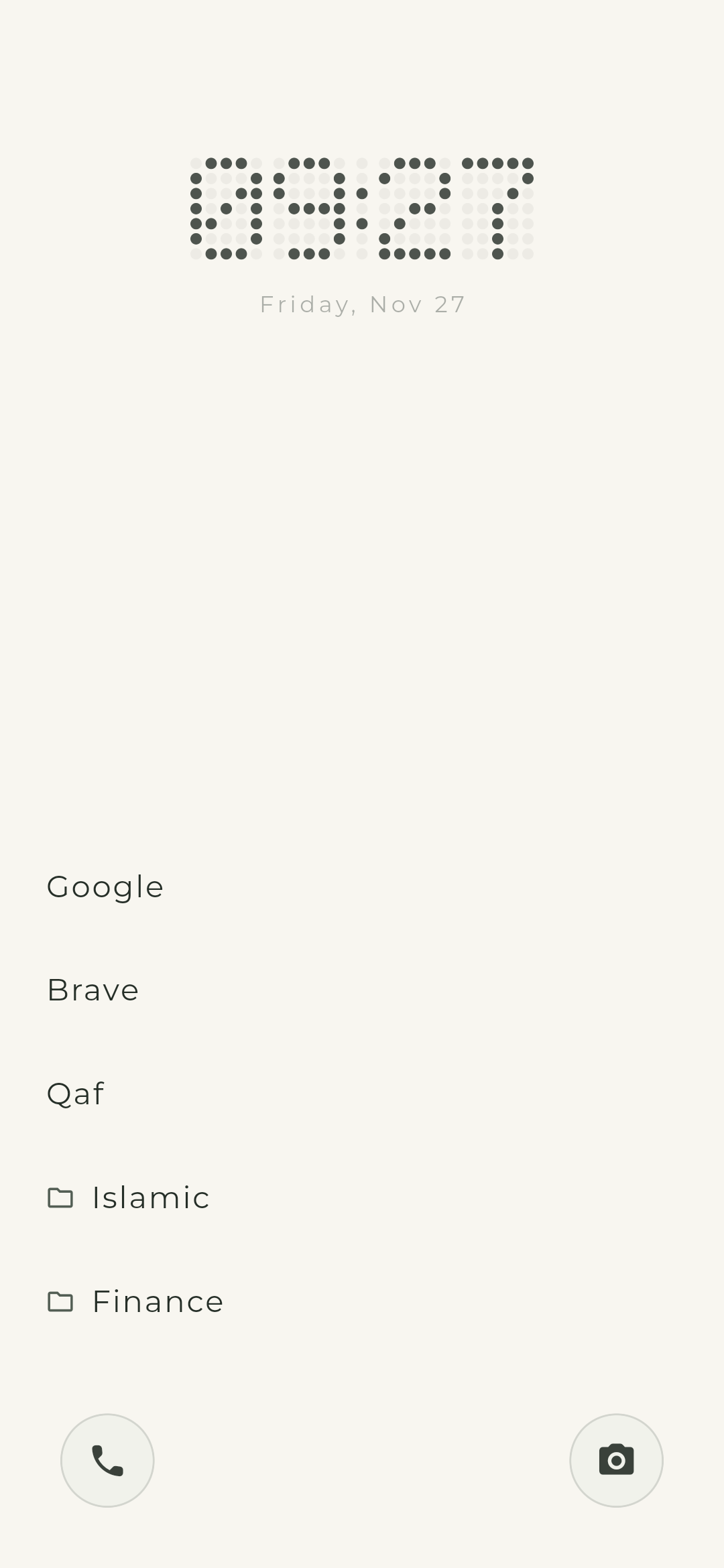
Sukoon home screen · Light mode
Set limits that work for you.
Block apps on a schedule, set a daily limit, or start a focus session.
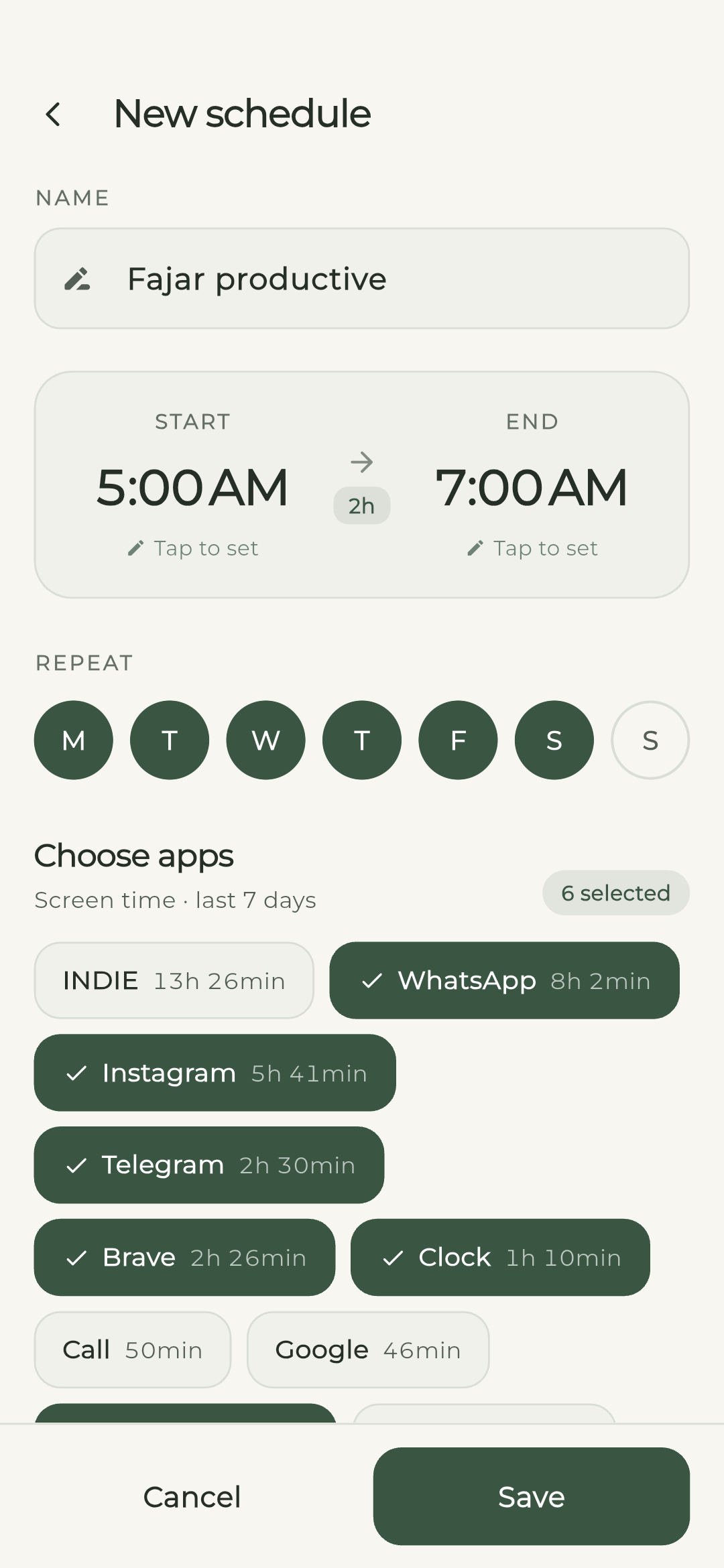
APP BLOCKER
Choose apps and set a schedule.
Pick the apps you want to pause, then choose the days and hours.
Prayer and daily worship, together.
Check the next salah, track prayers and dhikr, and set prayer alerts.
Your next prayer, at a glance.
See the next salah, a verse, dhikr, and your prayer tracker in one place.
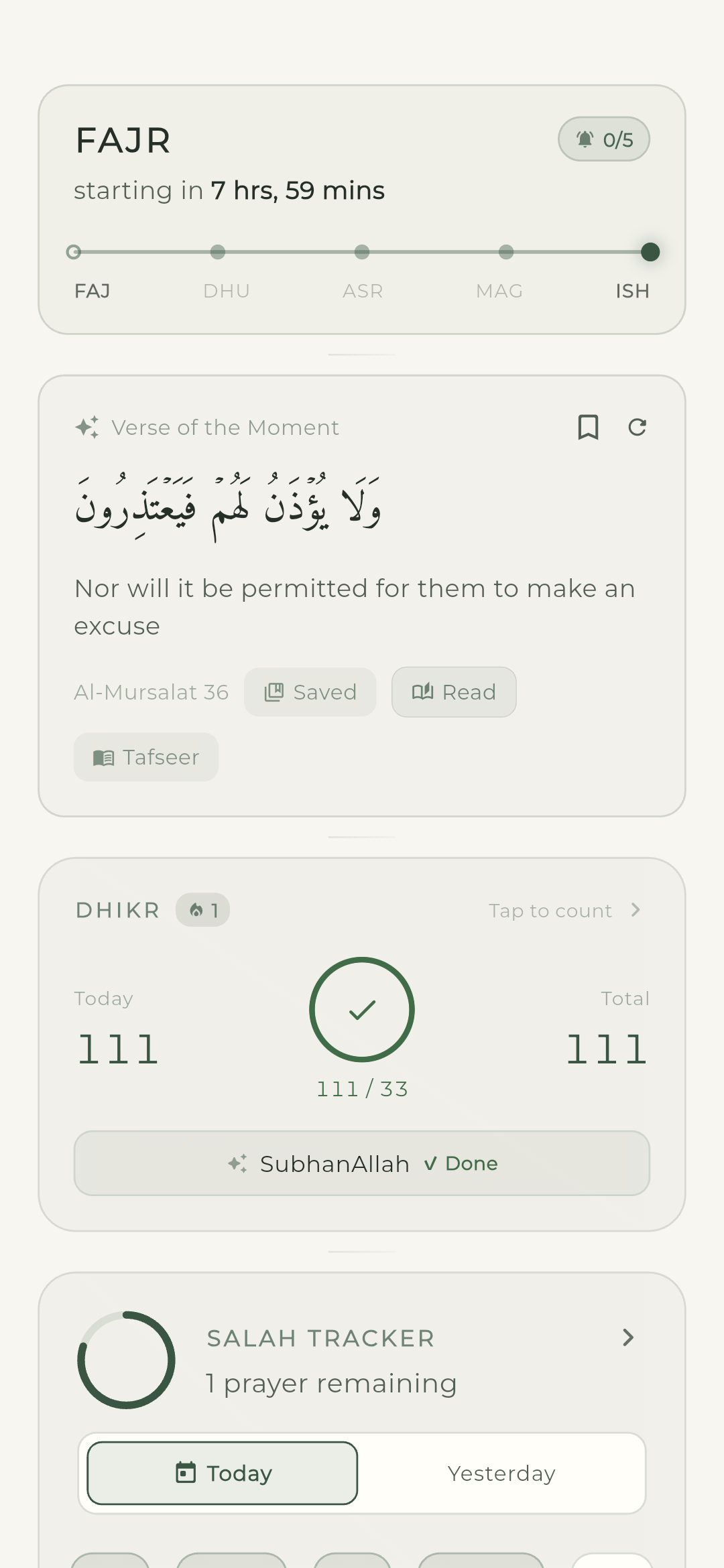
Islamic Dashboard · Light mode
Quran, dua, and Seerah.
Return to a surah, browse daily duas, or explore the Seerah.
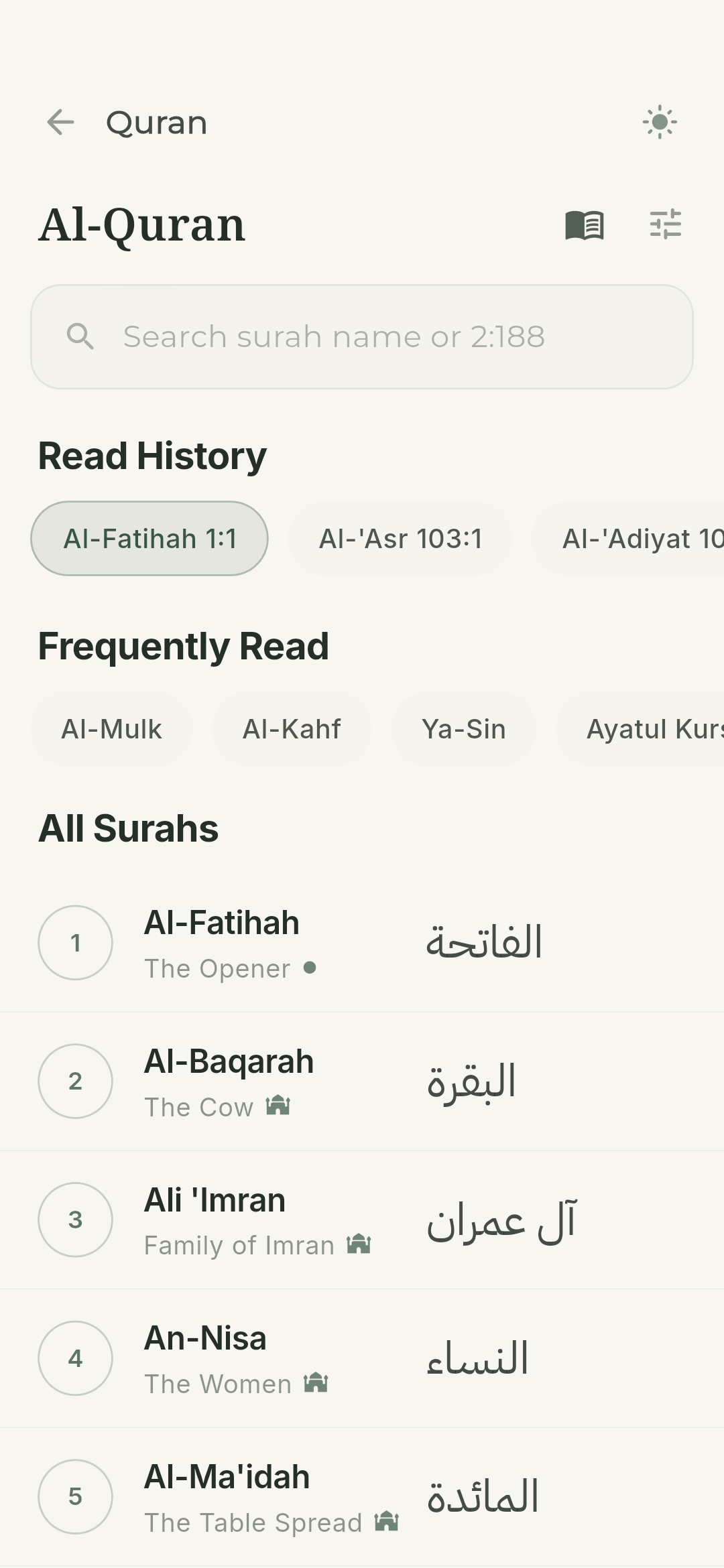
Read History · Frequently Read · All Surahs
Continue reading the Quran.
Find a surah, return to your reading history, or browse all surahs.
“my Instagram use dropped magically.”
“This launcher helps a lot for muslim like me with solah tracking, dzikir and mindless apps checking.”
“best app ,simple app and free app”
Selected Google Play review excerpts. Read more on Google Play
Common questions
Something unclear? Ask us.
Is Sukoon completely free?
Yes. Every feature is free to use. There are no paid tiers or subscriptions.
How do I set Sukoon as my home screen?
Install Sukoon, open it, and choose it as your default Home app when Android asks. You can change the Home app later in your phone’s settings.
Why does Sukoon ask for permissions?
Usage Access supports app limits and usage insights. Do Not Disturb access is optional and helps with quieter focus sessions. You can review permissions in Android Settings.
Can I use Sukoon offline?
App limits and Islamic content saved in Sukoon work offline. Some online features still need an internet connection.
Can I switch back to my old launcher?
Yes. Choose another Home app in your Android settings whenever you want.
Is Sukoon available for iPhone?
Sukoon is currently available for Android through Google Play.